
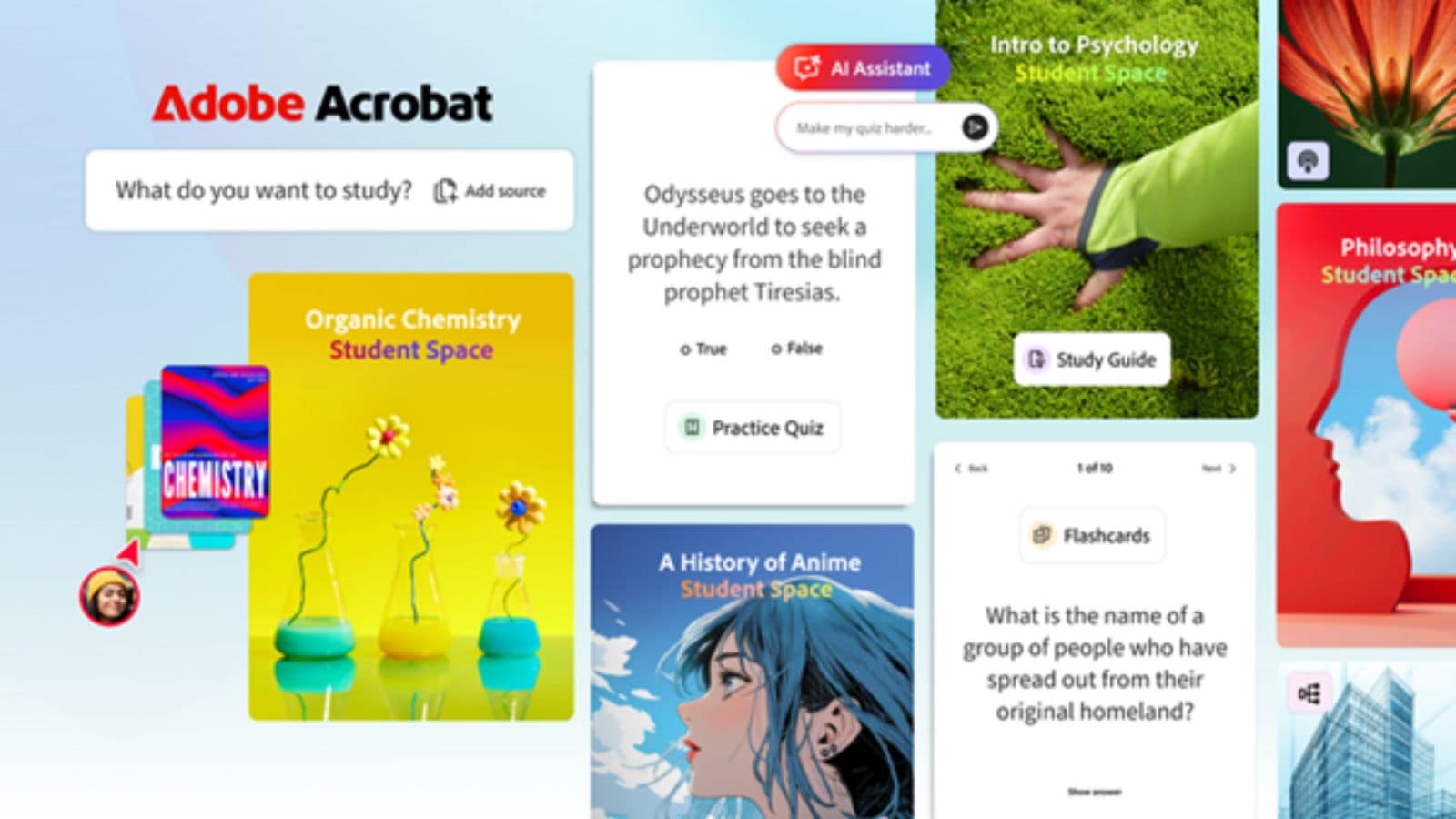

Adobe has introduced a new feature named Student Spaces within Acrobat, designed to assist students in managing their academic responsibilities more effectively. Currently in its beta phase, this free tool caters to a range of needs, from daily study tasks to long-term career planning.
Student Spaces provides a unified platform for organizing notes, documents, and study materials, enabling users to monitor their academic progress with ease. Students can upload files related to their courses and generate study guides, mind maps, and summaries. The platform also includes interactive quizzes and flashcards to facilitate learning.
A standout aspect of Student Spaces is its artificial intelligence assistant, which simplifies complex topics. According to Adobe, this AI tool functions as an on-demand tutor, offering explanations and incorporating citations into documents, thus enabling students to verify their sources.
The platform is designed to cater to various learning styles. For those who learn visually, it offers the ability to create presentations, videos, and mind maps, while auditory learners can transform their notes into concise audio files.
For students who prefer collaborative learning, Student Spaces allows for online studying, idea discussions, note-taking, and joint presentation preparation.
This feature also aims to alleviate the stress associated with group projects, enabling students to work together seamlessly on assignments, share insights, and prepare presentations without the need to switch between different applications.
Combining familiar elements from Acrobat and other Adobe tools, this feature integrates advanced AI capabilities to boost productivity. It serves not only academic needs but also equips students with essential tools for internships and future employment, preparing them for both college and professional environments.